⚡ Instant Delivery | 🛡️ 100% Permanent Unlocks | 🔄 1-Year SD Card Warranty

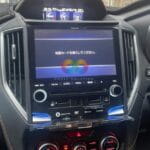
Stuck with a Japanese Error on Your Subaru Dashboard? 🚗
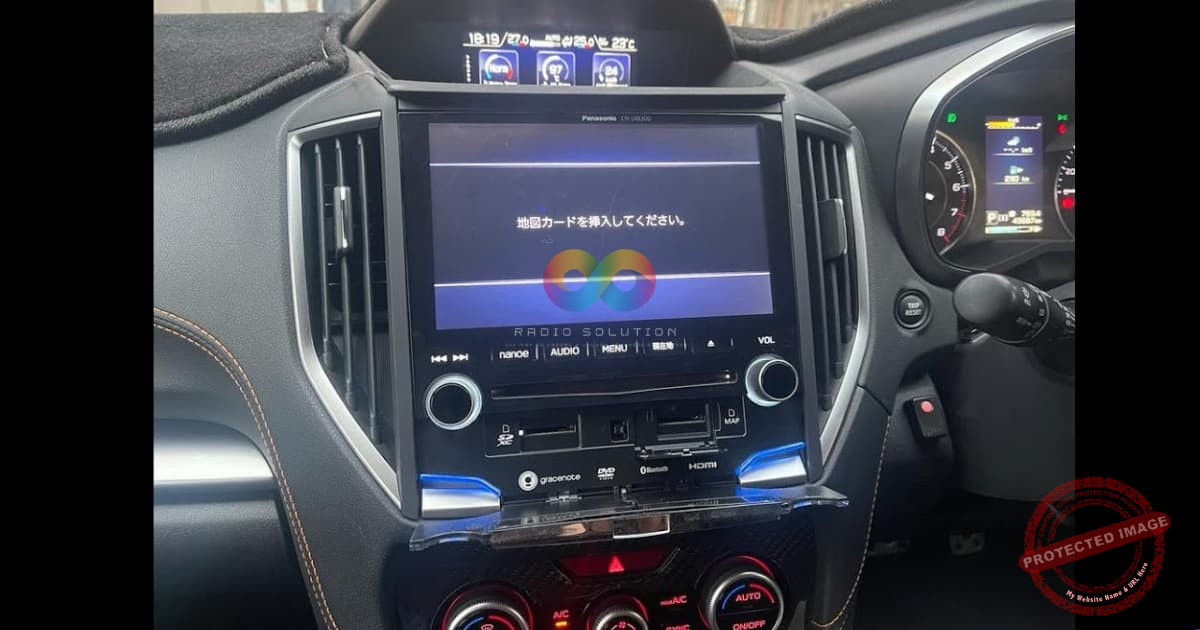
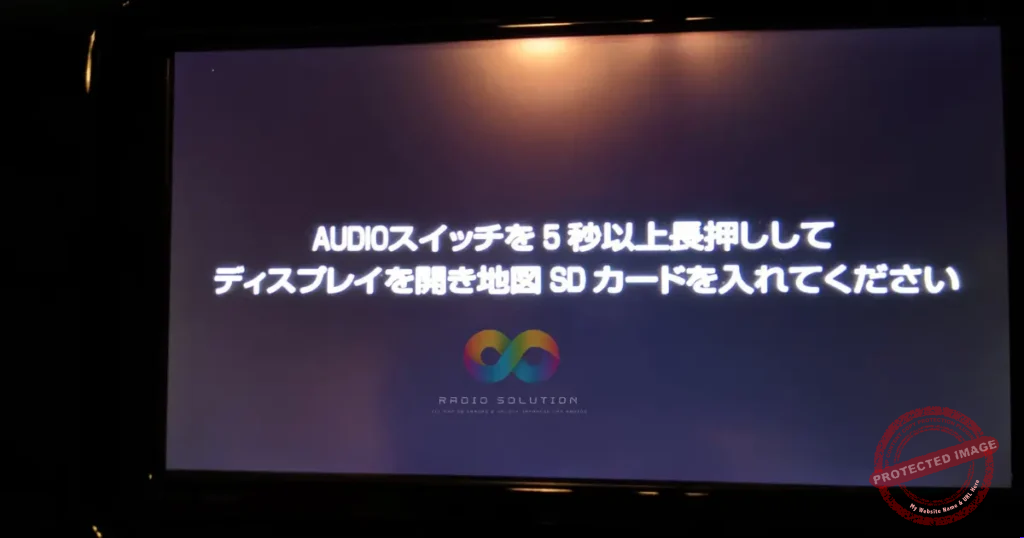
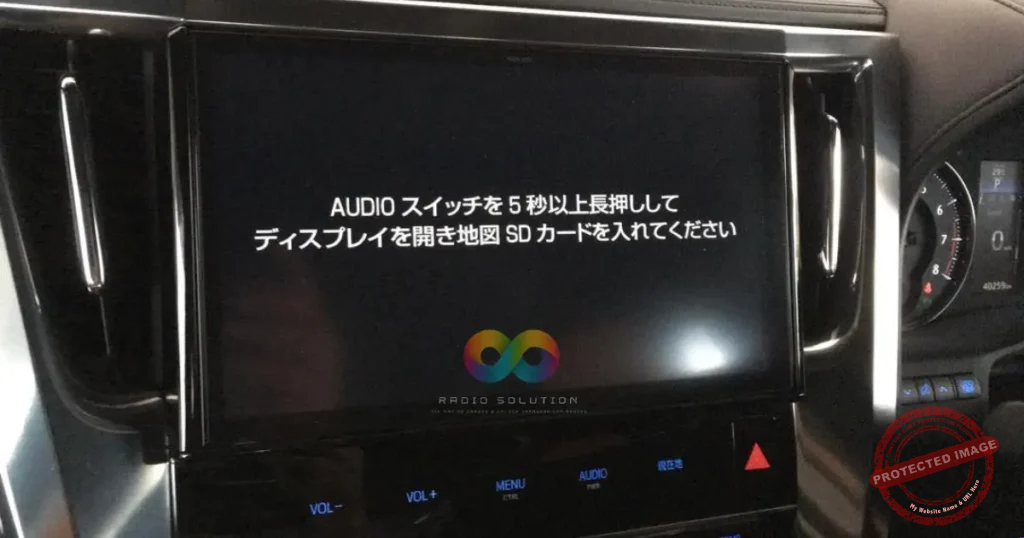
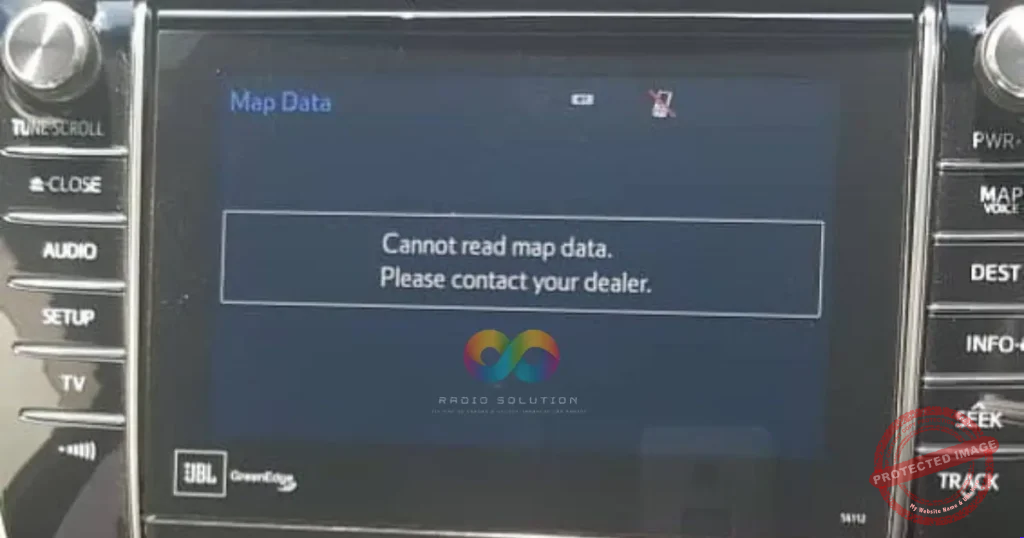
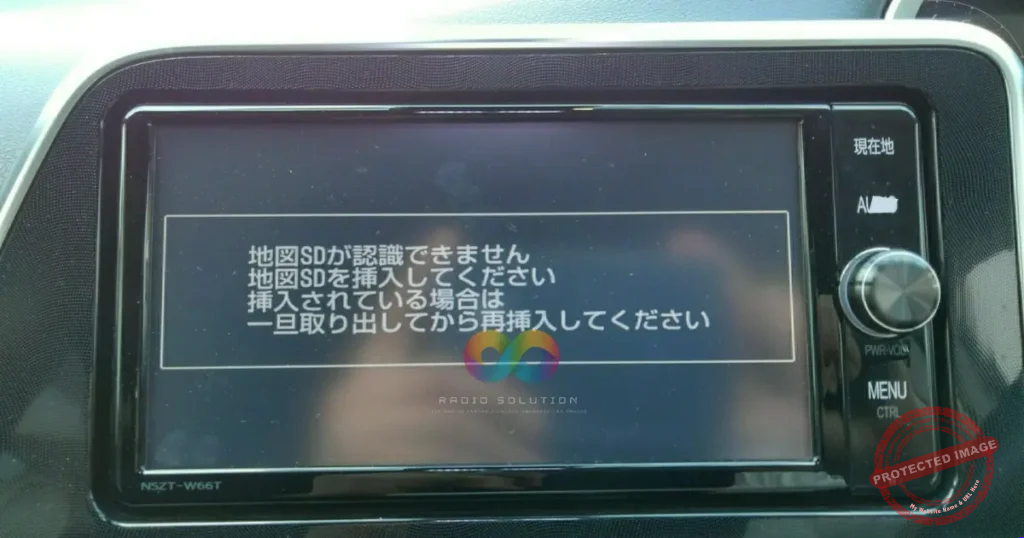
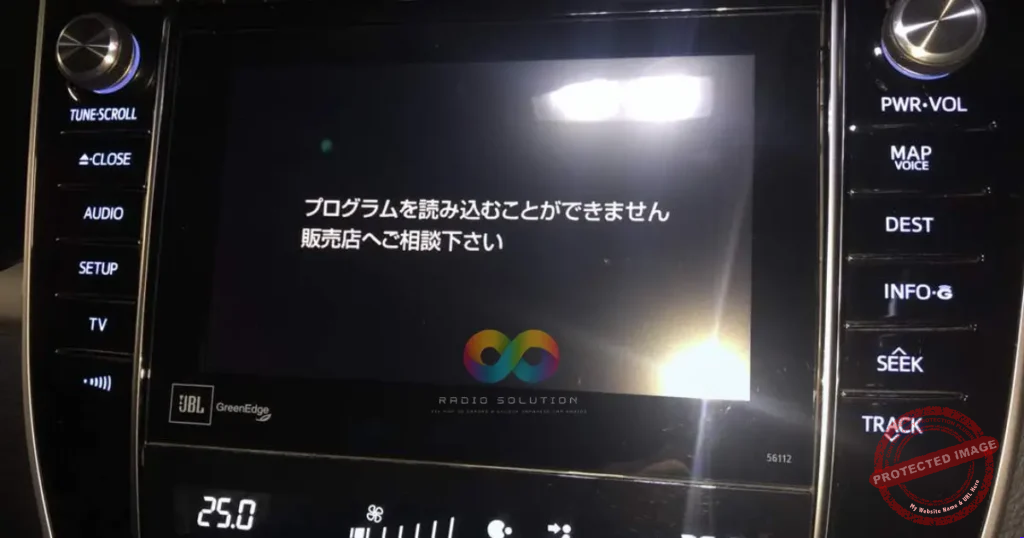
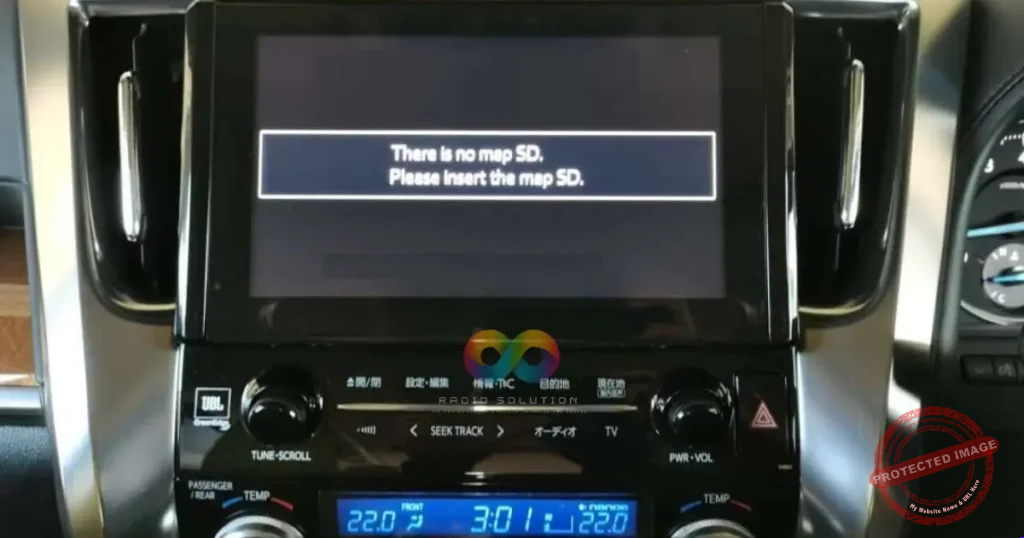
Getting the exact Panasonic CN-LR830D SD card error solution is the fastest way to get your infotainment system working again. Whenever your screen displays the dreaded “地図カードを挿入してください” (Please insert map card) message, your radio is completely locked out of its essential boot software.
The Panasonic Strada CN-LR830D is a highly capable JDM multimedia unit frequently found in imported Subaru Forester, XV, Levorg, and Impreza vehicles across Kenya. Because these premium units are manufactured exclusively for Japan, they require specific boot files to load their semi-English interface. Without the correct MicroSD or standard SD card adapter inserted, your navigation, reverse camera, and media features remain completely disabled.
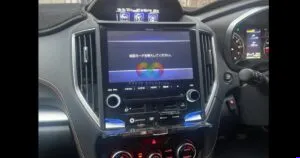
Permanent Panasonic CN-LR830D SD card error solution for imported Subaru vehicles.
You Don’t Need to Replace Your Car Stereo 🔧
Our trusted Panasonic CN-LR830D SD card error solution instantly restores total functionality to your dashboard. Once you insert our tested map card, the system reboots permanently with all its original factory features fully activated.
What you get back instantly:
📻 Full Media Access: Regain immediate control of your FM channels and Bluetooth audio.
📷 Safety Features: Your factory reverse camera is fully restored.
📱 Smartphone Ready: Enjoy wired Apple CarPlay and Android Auto via a direct USB connection right out of the box.
⚡ Wireless Upgrade: Ask us about our additional custom package for a completely wireless CarPlay/Android Auto adapter upgrade!
Get Your Subaru Back to Normal 🇰🇪
Order your permanent Panasonic CN-LR830D SD card error solution today and enjoy your Subaru exactly as the manufacturer intended.
💬 Reach out to us directly on WhatsApp to finalize your secure order, arrange fast delivery, and restore your daily drive!
100 reviews for Panasonic CN-LR830D SD Card Error Solution: Proven Permanent Fix
Clear filtersThere are no reviews yet.