Honda Gathers VXM-185VFi SD card fix for ex-Japan Honda in Kenya
Honda VXM-185VFi SD Card Fix | Permanent CarPlay Restore Ask for price
Back to products
Subaru stereo showing the Panasonic CN-LR830D SD card error solution
Panasonic CN-LR830D SD Card Error Solution: Proven Permanent Fix Ask for price

Panasonic CN-LR840D SD Card Error Solution: Ultimate Permanent Fix


Availability last checked: 3 hour(s) ago

Need a reliable Panasonic CN-LR840D SD card error solution? Fix the “Please insert map card” screen on your imported Subaru today and restore all radio features and Apple CarPlay.

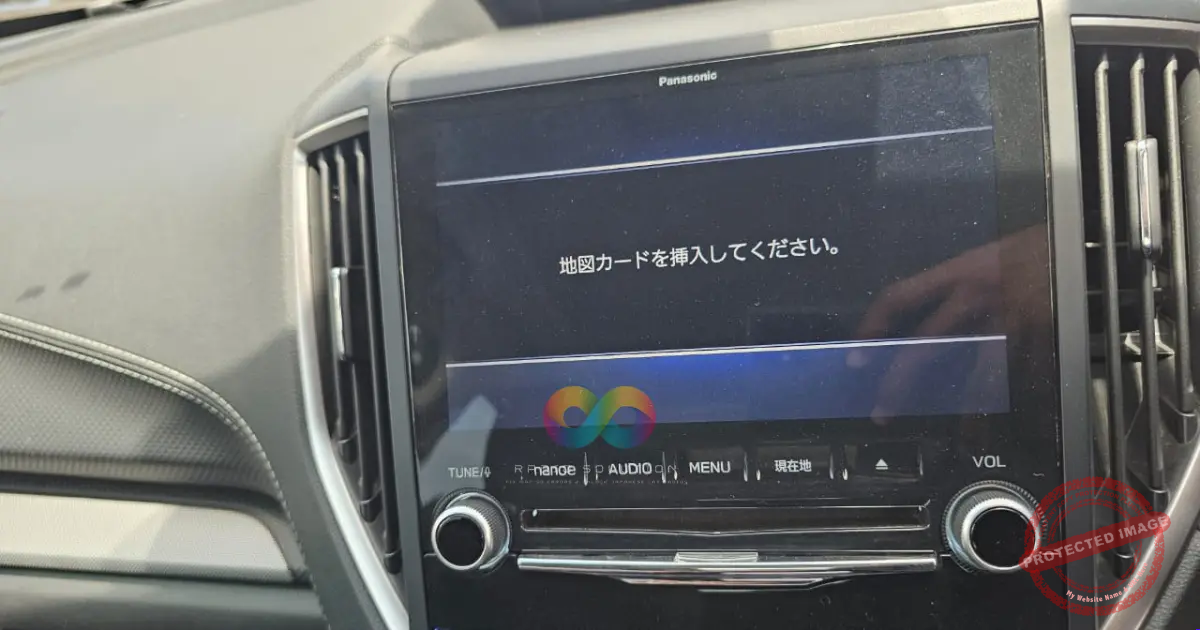
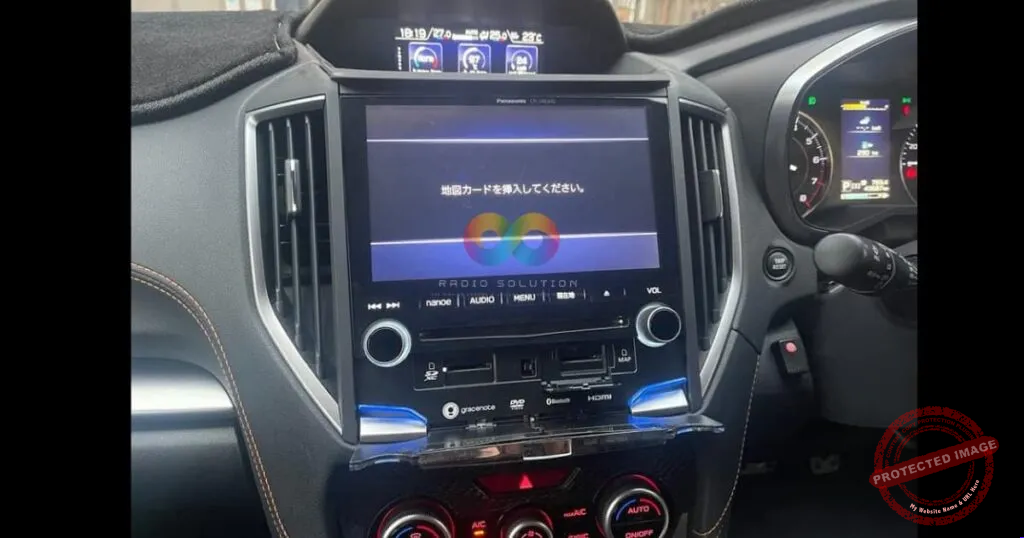
Subaru radio displaying the Panasonic CN-LR840D SD card error solution in Kenya

Ask for price

Check availability on WhatsApp

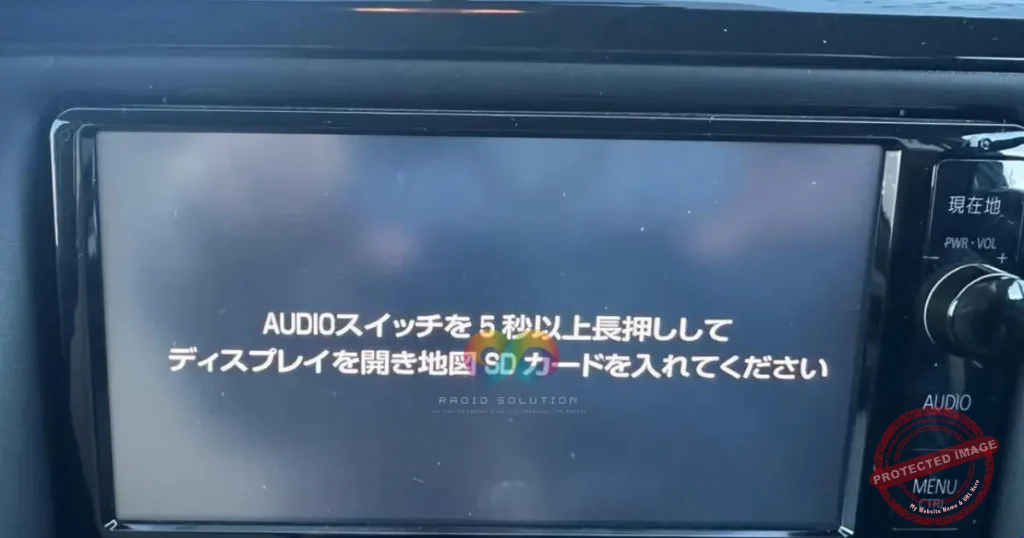
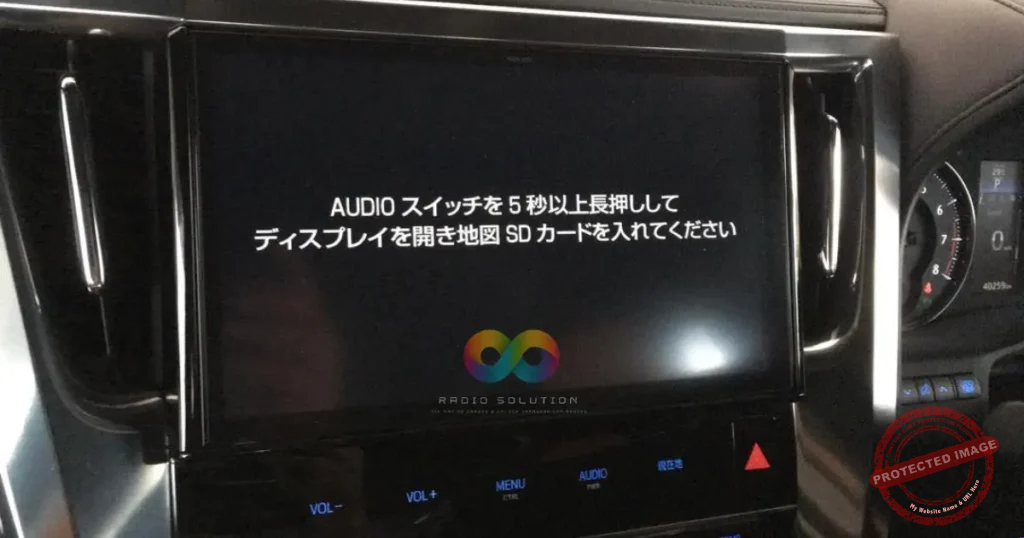
For a fast, accurate answer please send a photo of the error message shown on your radio screen, along with your car model.

Compatibility at a Glance

Brand
For Panasonic Strada
Exact Model(s)
CN-LR840D
Common Error Shown
地図カードを挿入してください" (Please insert map card)
What's Included
1x SD Card Plug and Play
Delivery Method
Physical SD Card
Vehicles It Fits
Forester, Levorg, Legacy, Impreza, XV, WRX S4 and others

Features & Vehicle Compatibility

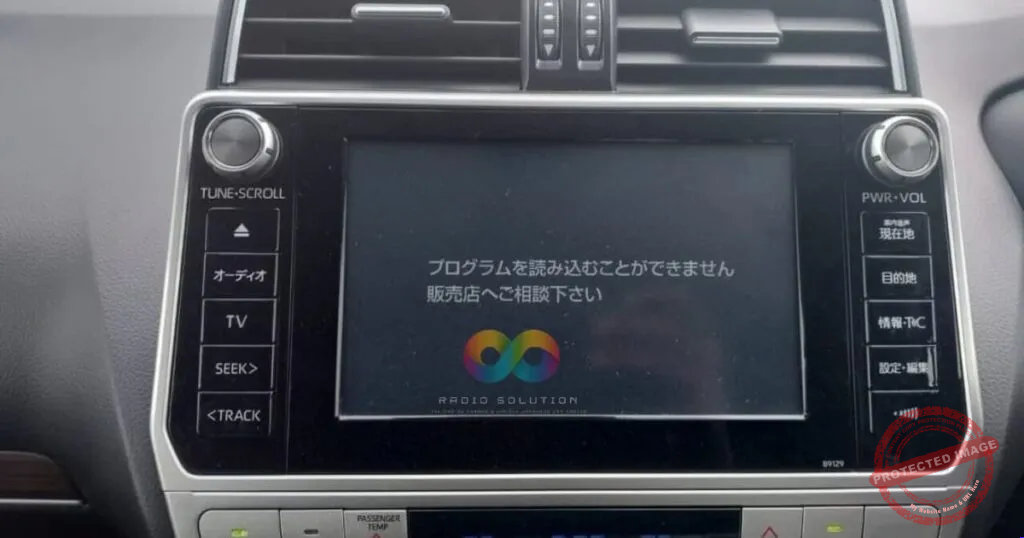
Are you staring at a Japanese error message on your Subaru dashboard? Getting the right Panasonic CN-LR840D SD card error solution is the only way to get your infotainment system working again. When your screen displays “地図カードを挿入してください” (Please insert map card), your radio is completely locked out of its essential software.


The Panasonic Strada CN-LR840D is a premium JDM multimedia unit commonly found in imported Subaru Forester, XV, Levorg, and Impreza models. Because these units are exclusively made in Japan, they require specific boot files to load the semi-English interface. Without the correct MicroSD or standard SD card adapter containing these files, navigation and media features remain permanently disabled.
Subaru radio displaying the Panasonic CN-LR840D SD card error solution in Kenya

Permanent Panasonic CN-LR840D SD card error solution for Subaru vehicles in Kenya.

Fortunately, fixing this issue does not require buying a brand-new car stereo. Our proven Panasonic CN-LR840D SD card error solution instantly restores full functionality to your dashboard. Once you insert the provided map card, the system reboots permanently with all original features activated. You will instantly regain access to your FM channels, Bluetooth audio, and factory back camera.

This unit also fully supports modern smartphone connectivity. By default, it allows wired Apple CarPlay and Android Auto via a direct USB connection. If you want to upgrade your driving experience even further, ask us about our additional custom package. We offer an exclusive wireless adapter setup for completely cord-free Apple CarPlay and Android Auto functionality.

Do not let a missing boot file ruin your daily commute. Order the ultimate Panasonic CN-LR840D SD card error solution today and enjoy your Subaru’s premium stereo exactly as intended. Reach out via WhatsApp to place your order and get your system back online immediately.

How-To Guide Panasonic CN-LR840D SD card error solution


1.Verify the screen error: Identify the Japanese text.

Turn on your Subaru’s ignition and confirm the screen displays “地図カードを挿入してください” (Please insert map card), confirming it is locked out of its software.

2.Order your replacement card:

Contact our support team via WhatsApp with your exact car model. We will prepare the correct MicroSD/SD card adapter loaded with the essential boot data.

3.Insert the SD card: Keep the radio powered on.

Locate the designated SD card slot on your Panasonic Strada CN-LR840D unit. Carefully insert the customized map SD card until it clicks into place.

4.Allow the system to reboot:

Wait a few moments. The system will automatically read the boot data from the card, bypass the Japanese error screen, and load the semi-English interface.

5.Test your restored features:

Engage your reverse gear to test the back camera, connect your phone via USB to launch Apple CarPlay or Android Auto, and tune your FM radio to ensure all functions are permanently restored.

Q: Is this Panasonic CN-LR840D SD card error solution a permanent fix? A: Yes. Once the SD card is inserted into the unit, your Subaru’s radio will permanently restore its reverse camera, Bluetooth, and media features. You never have to remove the card.

Q: How do I purchase this SD card in Kenya? A: You can order your Panasonic CN-LR840D SD card error solution directly via WhatsApp. We arrange fast delivery to Nairobi, Mombasa, Kampala, Dar es Salaam, and other regional locations.

Q: Can I get wireless Apple CarPlay with this Panasonic Strada unit? A: The base Panasonic CN-LR840D stereo supports wired connections via USB. However, we offer an additional customized package that upgrades your system to fully wireless Apple CarPlay and Android Auto. Just ask our support team when placing your order.


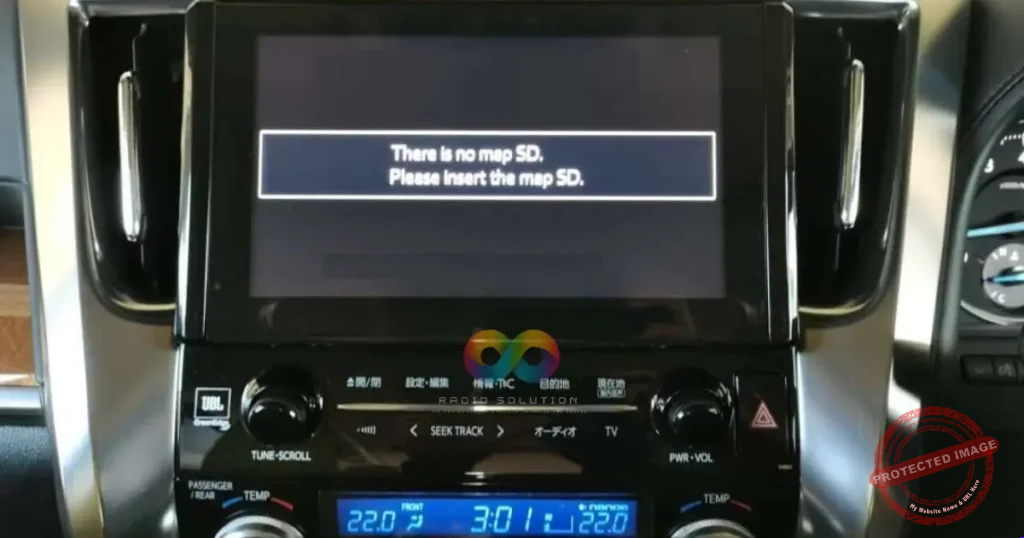
What does the ‘Insert Map SD Card’ error mean?

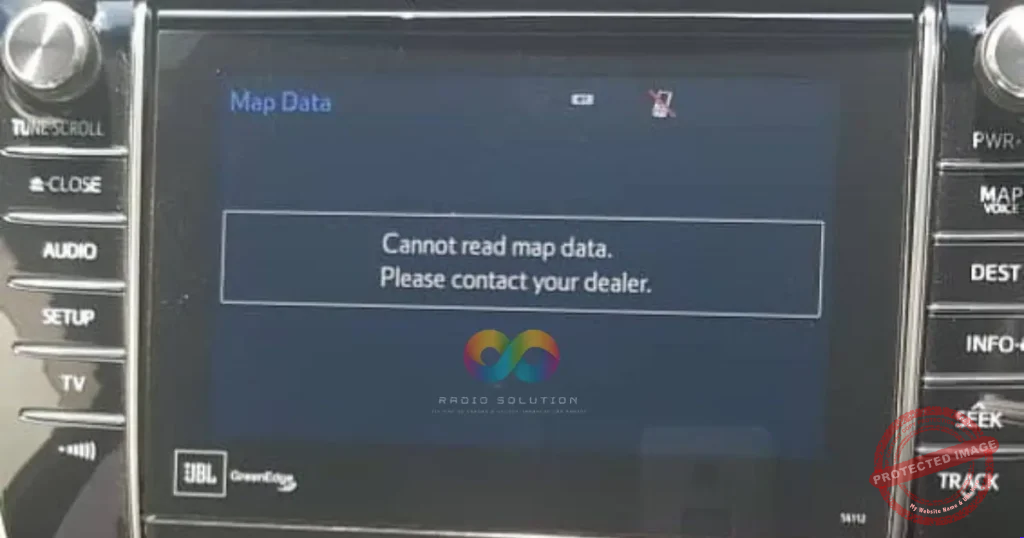
When a vehicle’s battery is disconnected during shipping or maintenance in East Africa, the Honda Gathers radio system loses its boot memory. This locks the stereo, displaying map errors or a blank screen, requiring the original SD card to load the operating system.

Does this enable Apple CarPlay?

Yes. For compatible Gathers models (like VXM-185VFi), restoring the boot system via the SD card reactivates and unlocks the native Apple CarPlay features via the USB interface.
Expert Support

Still have questions about this part?

Send us a photo of the error message on your radio screen, along with your car model — we’ll confirm availability in minutes.

Tested before shipping
SD card fix: 1-yr warranty
Radio code fix: proven

Terms and conditions apply. Warranty terms are confirmed per product before purchase.

No commitment — just a quick chat

Customer Reviews

5
100 reviews
0
0
0
0
0

100 reviews for Panasonic CN-LR840D SD Card Error Solution: Ultimate Permanent Fix

Clear filters

There are no reviews yet.

Be the first to review “Panasonic CN-LR840D SD Card Error Solution: Ultimate Permanent Fix”

Your email address will not be published. Required fields are marked *

You have to be logged in to be able to add photos to your review.