⚡ Instant Delivery | 🛡️ 100% Permanent Unlocks | 🔄 1-Year SD Card Warranty

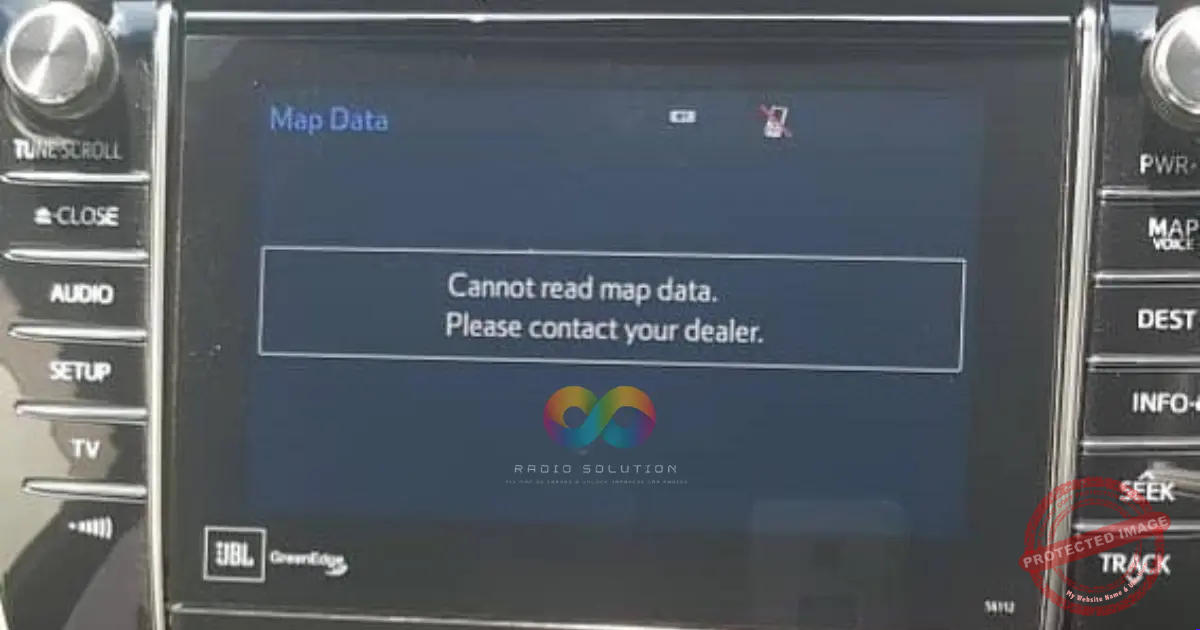
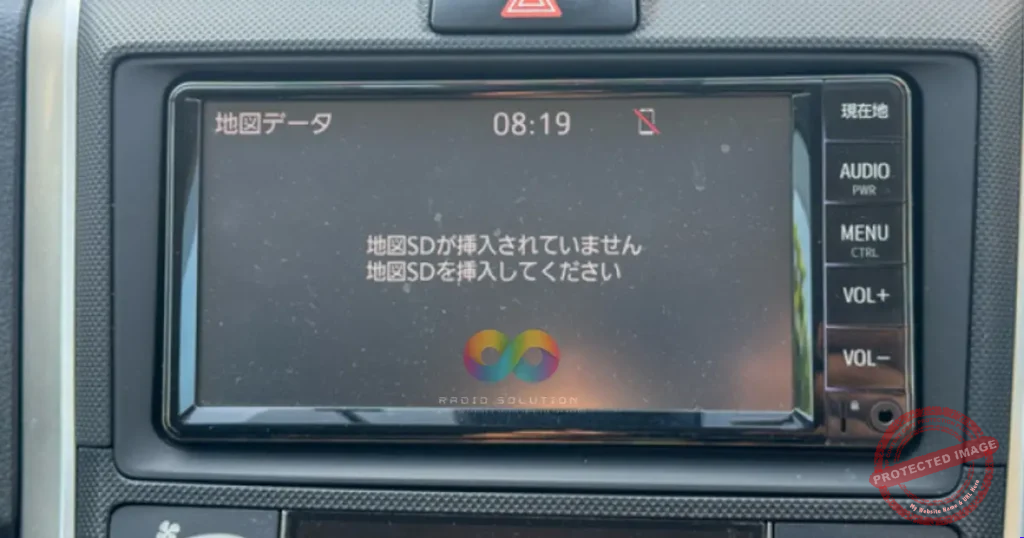
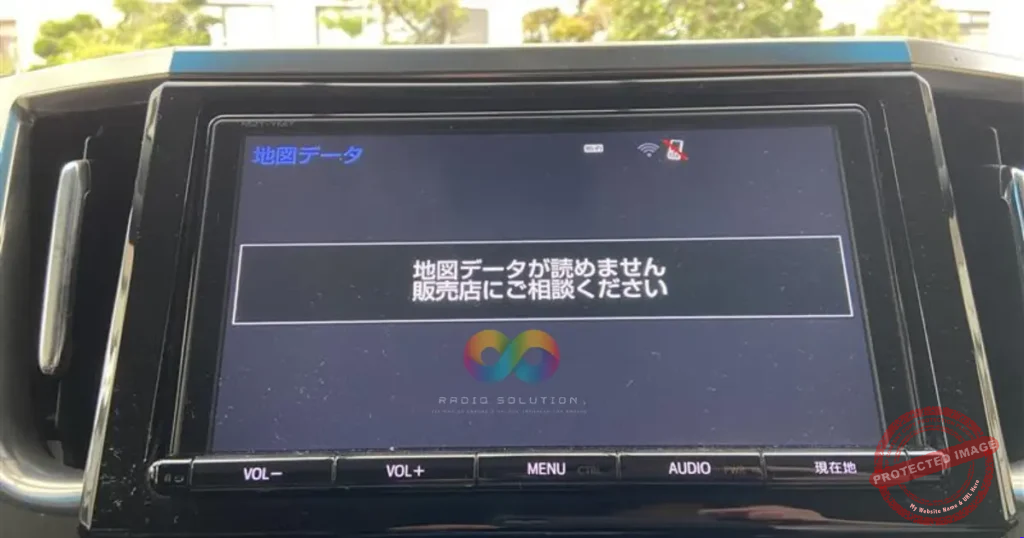
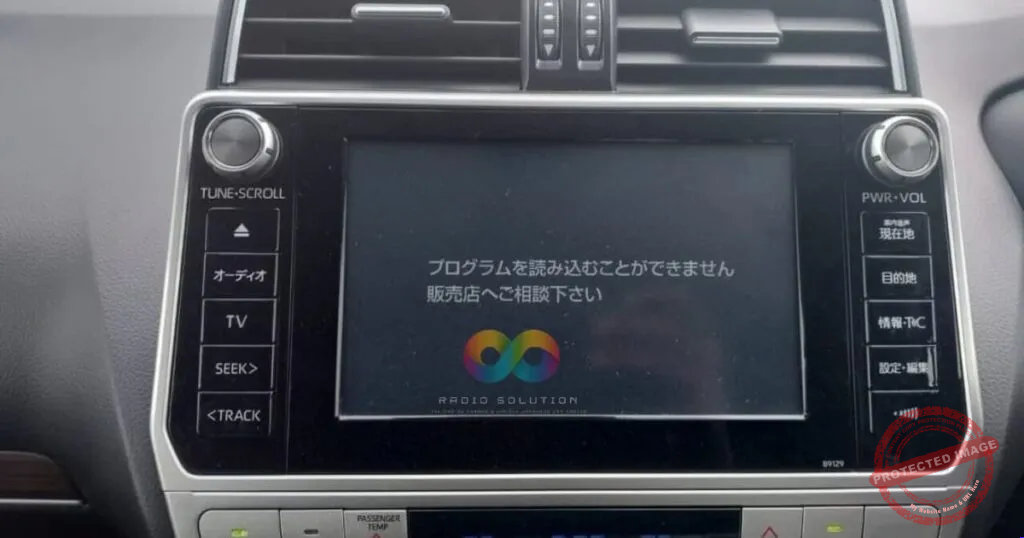
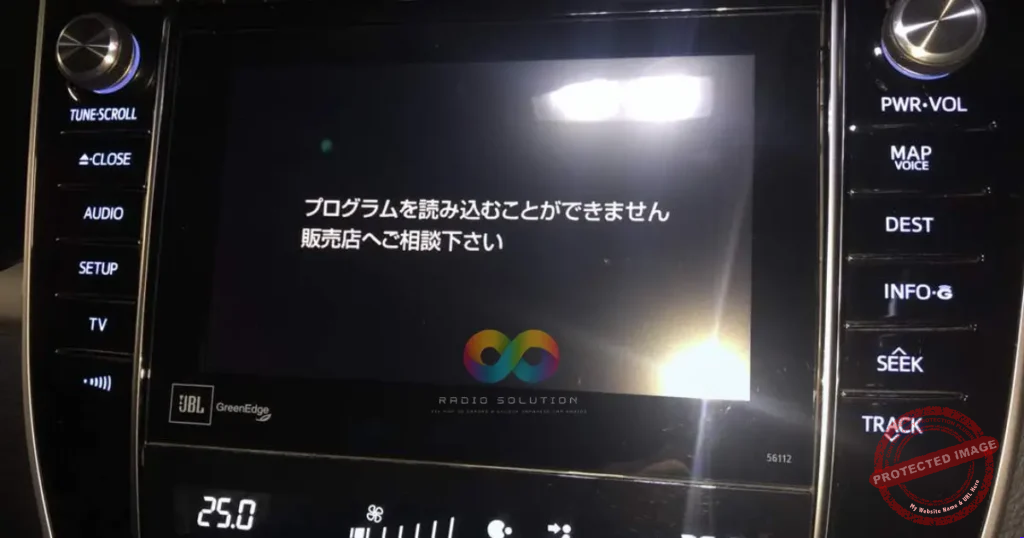
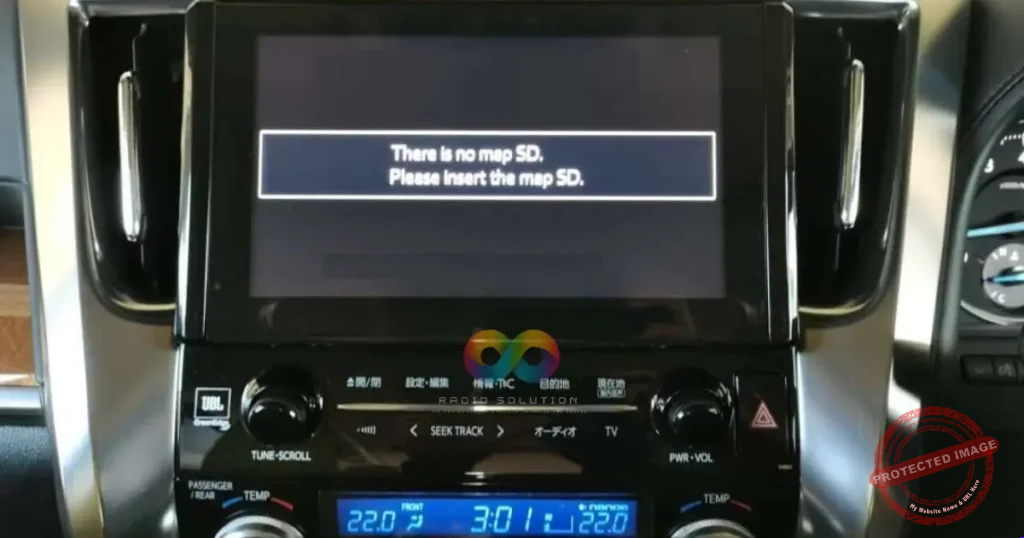
Are you locked out of your imported dashboard? Finding a reliable JBL 56112 Map SD is the fastest way to get your infotainment system working again. Whenever your car battery is disconnected or replaced, your premium Toyota Harrier stereo will display a Japanese error message stating there is no map SD and asking you to please insert it.
The Toyota Harrier JBL 56112 is a highly capable JDM multimedia unit that controls many vital car functions. Because these stereos are built exclusively for the Japanese market, they require specific boot files to activate. Without the correct JBL 56112 Map SD securely inserted into the unit, your reverse camera, Bluetooth audio, and main menu features remain completely disabled.
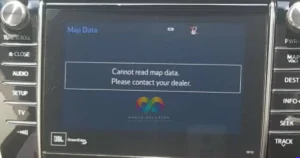
Permanent JBL 56112 Map SD replacement with English menu for imported Toyota Harrier in Kenya.
Fixing this problem is simple and does not require replacing your expensive factory radio. Our tested software restores full functionality to your dashboard in seconds. Once you insert our genuine boot card, the system reboots permanently with all original factory features fully activated. Best of all, our specialized software includes a full English menu conversion, allowing you to navigate your stereo effortlessly without translating Japanese characters.
This premium Toyota stereo update completely unlocks your personalized vehicle settings. You can finally change your display clock from Japanese time to your local time. Furthermore, you will regain access to custom car features like automated door lock settings. Order your permanent JBL 56112 Map SD today and enjoy your imported Toyota Harrier exactly as intended. Reach out via WhatsApp to finalize your secure order and restore your daily drive.

Reviews
Clear filtersThere are no reviews yet.